siv – static site generator
Siv is a static site generator. Author (you) writes MarkDown pages. Siv builds a static HTML website. Templates add navigation and your style.
$
$
$
Next: Create a website:
siv init my-website
Why siv # ↑
- Just run
siv. It tells you the next step. - A working site from the first minute. Write first, tweak the looks later.
- Pictures just work. siv makes every size a screen needs, with captions and a lightbox.
- Mistakes are caught before readers see them. Every build checks your links.
- Keeps working for years. It's one static binary, with all the help inside:
siv help.
Your site is plain HTML: it's fast, cheap to host and has little to hack or update.
Some details # ↑
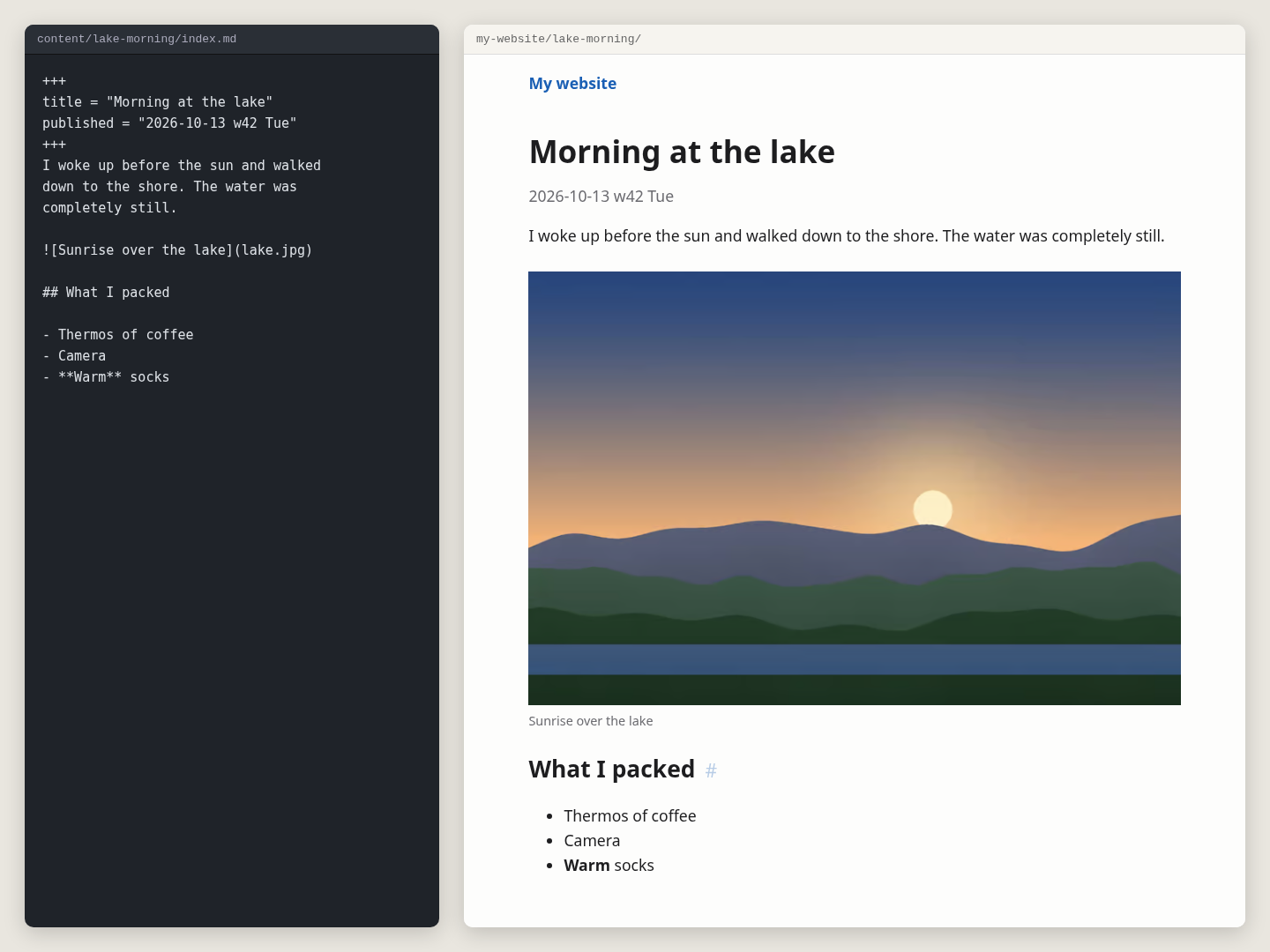
Modern images are supported. Author writes regular MarkDown. Siv creates good quality images. Srcset makes browsers pick the the right sized image - a combination of speed and high visual quality. Images are converted to avif for perceived quality for given filesize. For very old browsers, jpg is provided for backward compatibility. You don't need to do anything for this to happen, just write MarkDown .
Siv templates uses Jinja-style templates, similar to Django or Tera. Template engine minijinja is written by the author of Jinja2.
Siv is a single, statically linked binary written in Rust. It uses minijinja and pulldown-cmark. Siv has extensive built-in help and clear error messages. Siv can also 'siv explain' any file or folder. So you can confidently build your website, even without Internet.
Download siv for Linux - one file, no install, free software. Other downloads
License # ↑
siv is free software under GPL-3.0-or-later, and your website is yours: license your pages however you like.
Copyright 2026 Tero Karvinen https://TeroKarvinen.com
Other downloads # ↑
Common Linux amd64 is the main platform. Other binaries are untested, and provided on best-effort basis (except Windows, that's provided on worst-effort basis).
- siv-0.1.29-linux-amd64 (the common one)
- siv-0.1.29-linux-arm64 (e.g. Linux on a Mac)
- siv-0.1.29-windows-amd64.exe (worst effort basis)
- siv-0.1.29-source.tar.gz (compile it yourself)
Windows users: Upgrade to Linux, try Debian. But before that, press ugly-X ("windows-key"), choose PowerShell, find siv.exe, "Set-Alias siv C:\some\dir\siv-0.0.1-windows.exe".