Getting started
From downloading siv to your own article in the browser, in five minutes. You need a terminal and a text editor.
Download siv # ↑
siv is one file. Download siv for Linux, let everyone (ugo: user, group and others) run it, and try it:
$
$
siv – Sivutin static site generator. Help: siv help
Next: Create a website:
siv init my-website
Every siv command ends with a hint like this "Next:". When you don't know what to do, run siv alone.
To use it as siv in any folder, copy it to a folder on your PATH:
$
Create a website # ↑
$
Created my-website/ from the 'minimal' starter.
Go into your project:
cd my-website
$
The new website already works: it has a look, a front page and a few sample pages to read and delete.
Write an article # ↑
$
Created content/my-first-page/index.md
Next: Write something on your page:
micro content/my-first-page/index.md
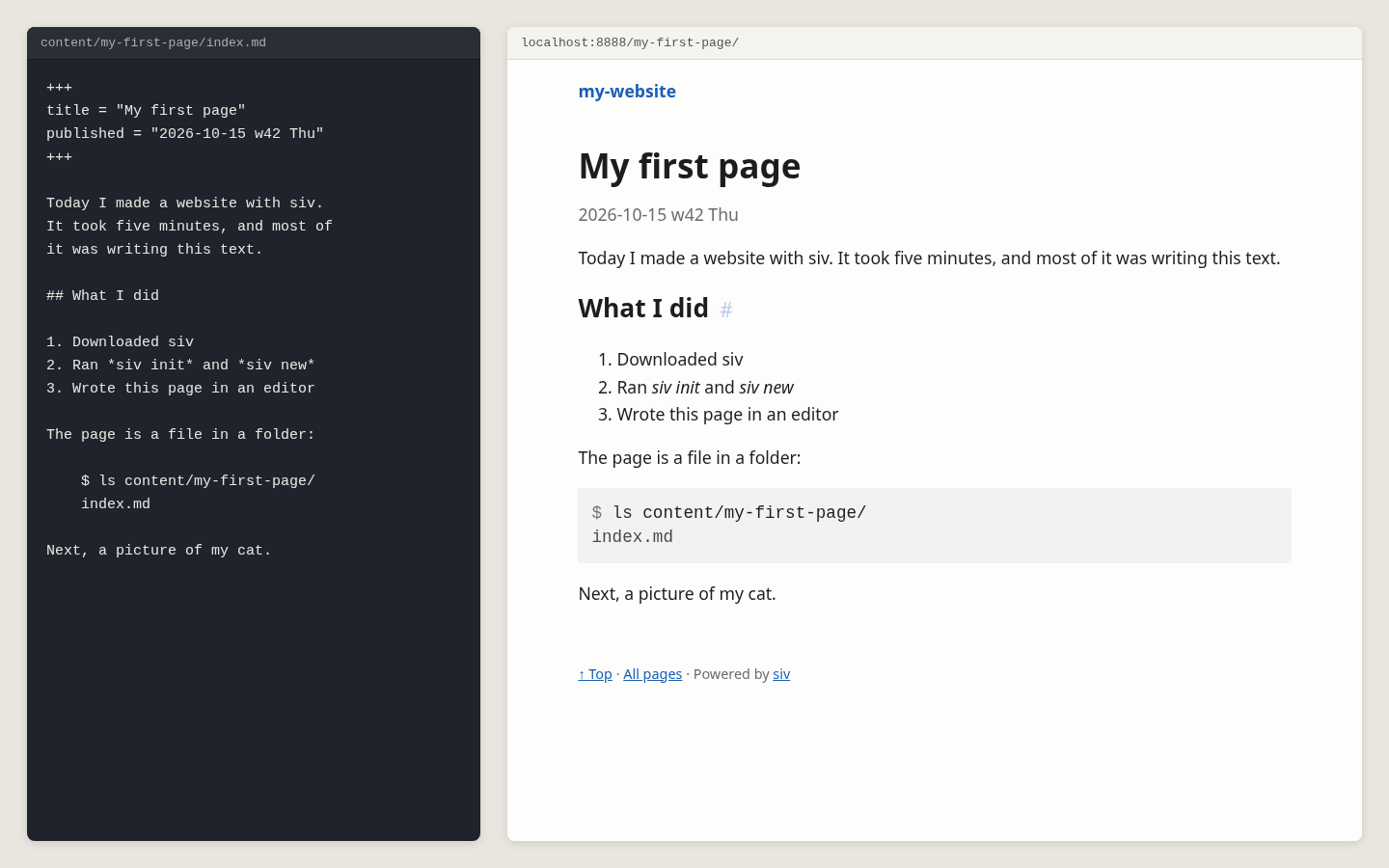
Open the file in any text editor. The lines between the +++ lines are the front matter: the title and the date. Your text goes below them:
1. 2.3.
The text is Markdown: a blank line starts a new paragraph, ## makes a heading, and lines starting with a number make a list. The next chapter shows the rest.
See it in the browser # ↑
$
siv 0.1.31 preview 2026-10-15 w42 Thu 04:13
04:13:56 Built in 0.31s: 15 written, 0 removed
Preview: http://localhost:8888/my-first-page/
You saved this page in the last hour. Front page: http://localhost:8888/
Stop with Ctrl-C. Sandbox: landlock (files and network)
Open the address in a browser. siv opens straight at the page you saved last:
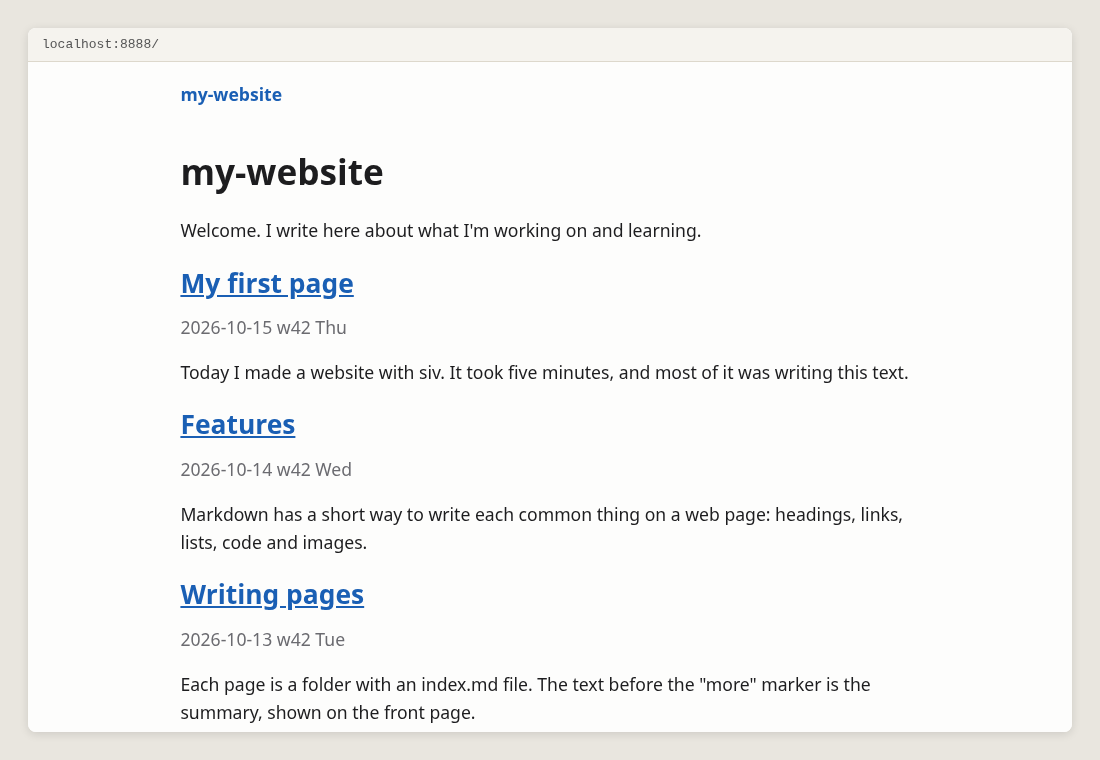
Keep the preview running while you write. Every time you save the file, the browser reloads the page. The front page lists your article, newest first, with its first paragraph as the summary:
Stop the preview with Ctrl-C.
Make the website # ↑
$
siv 0.1.31 build 2026-10-15 w42 Thu 04:16
Converting images: 7 new files...
Built in 2.22s (templates 0.00s, images 2.17s, other 0.05s)
Pages 6
Images 1 → 7 files, 7 encoded, 0 cached
Output 15 written, 0 unchanged, 0 removed
Links 38 internal OK
Checks OK
Sandbox landlock (files and network)
Skipped feed.xml: the feed needs the site's address. Set it: siv config base-url https://example.com/
Next: Tip: put an image in your page's folder and add it with 
The website is now in the public/ folder: plain HTML files, images and nothing else. Open public/index.html in a browser, or copy the folder to any web server, see Publishing.
Every build checks the links between your pages. A broken link stops the build, so visitors never see it.
What's where # ↑
siv.toml      settings: siv config
content/      your pages and their images
templates/    the HTML and CSS around every page
skel/         the starting text of new pages
public/       the finished website, made by siv build
Makefile      make builds, make publish publishes
Each page is a folder with an index.md. The folder's name is the page's address: content/my-first-page/ is shown at /my-first-page/. Images go into the same folder as the page.
When you're lost # ↑
sivalone tells you what to do next.siv helplists every help topic. This manual is made from them.siv help siv2201explains one error code.
Next: Writing with Markdown