Changing the look
A new site already has a look. Change it when you want to, from a color to the whole page. Keep siv preview running: the browser reloads every time you save.
Where the look is # ↑
templates/style.css    colors, fonts, spacing: your own CSS
templates/layout.css   images, charts and the image viewer
templates/code.css     the colors of code
templates/base.html    the HTML around every page
siv.toml               the width of the text and other settings
style.css is short and yours to change. The other CSS files you seldom need to touch. siv puts the CSS inside every page, so a page shows at once, without waiting for another file. The code colors are only added to pages that have code.
Colors and fonts # ↑
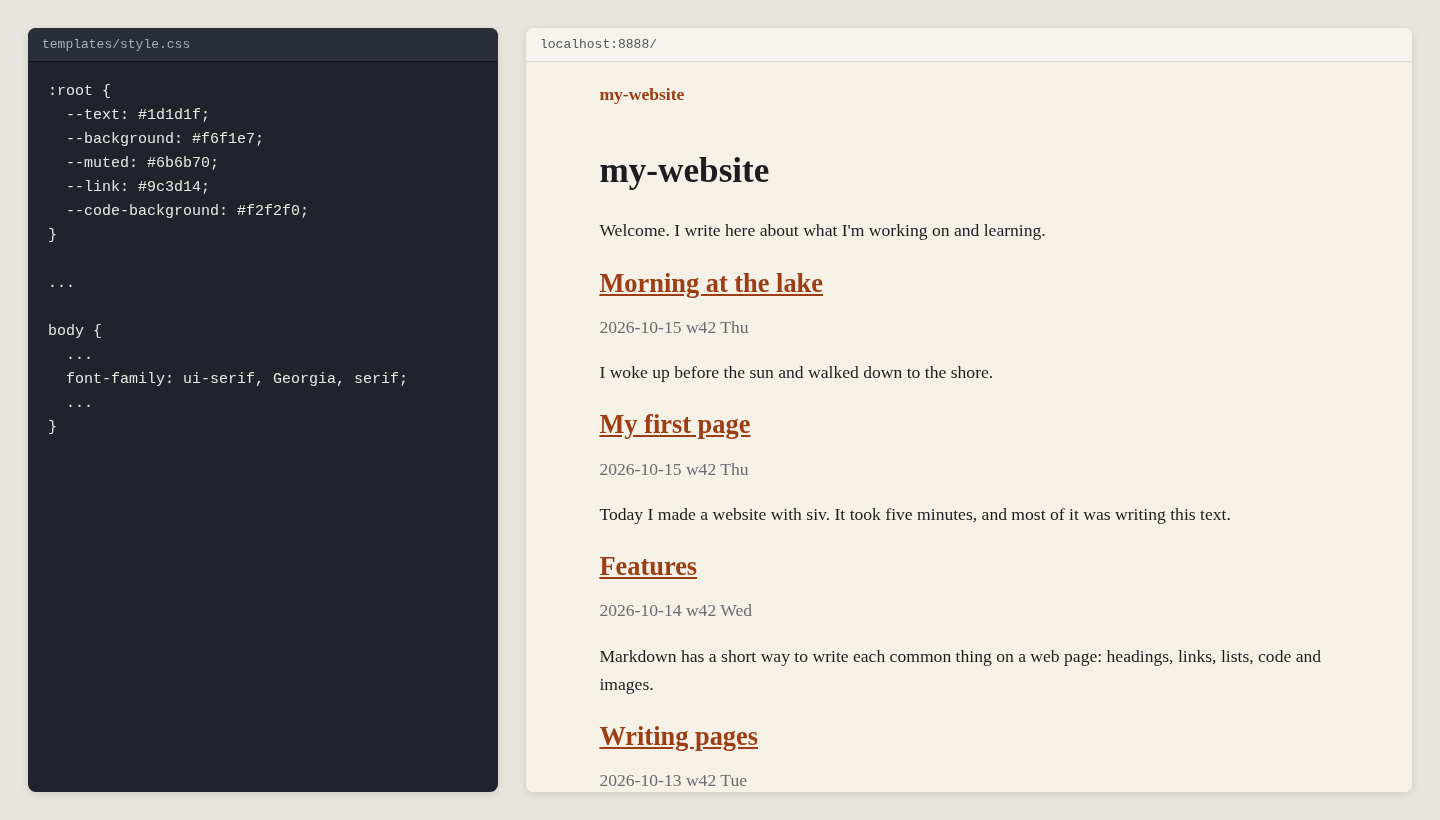
The colors are at the top of templates/style.css. Change one, and the whole site follows:
}
The starter uses the visitor's own system font. For a bookish look, without any font files, change font-family under body:
Dark mode # ↑
Visitors whose computer or phone is in dark mode get the second set of colors, inside @media (prefers-color-scheme: dark) in style.css. Charts and code follow it too:
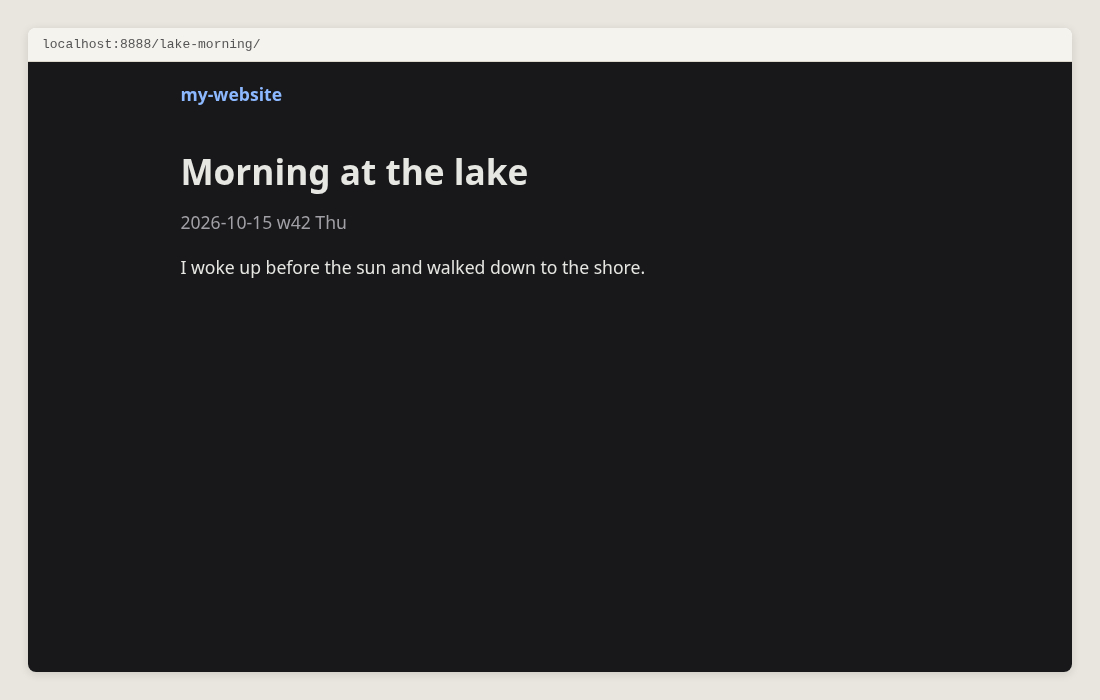
Change both sets of colors, or delete the dark one to have one look only.
Width of the text # ↑
$
$
The text column is 40 em wide, and {.wide} images 60 em. One em is the width of the letter m, so the text stays easy to read at any font size. siv uses the widths to choose the image sizes too.
Your own font files # ↑
Put the font files on your own site, rather than loading them from a font service: the site keeps working, and visitors aren't tracked.
content/fonts/myfont.woff2
Declare the font in templates/style.css, and use it:
}
Write the address from the root of the site, /fonts/.... siv turns it into the right address on every page. More: siv help fonts.
A menu # ↑
The header of every page is in templates/base.html. Add links to it:
{{ site.title }}
About
Blog
Make the pages first, siv new About. A link in a menu is checked like any other: if the page doesn't exist, the build stops and says so.
Templates # ↑
Templates turn each page into HTML. They are HTML files with places for the page's values, written in the Jinja2 template language:
base.html     the frame of every page: head, header, footer
page.html     a normal page, inside base.html
list.html     a page that lists other pages, like the front page
all.html      the list of all pages
macros.html   pieces used by the others, like the table of contents
To show the date and tags under each title, edit page.html:
{{ page.title }}
{% if page.published %}{{ page.published }}{% endif %}
{% if page.tags %}{{ page.tags | join(", ") }}{% endif %}
A template of your own # ↑
Copy page.html to templates/recipe.html, change it, and use it in a page's front matter:
template = "recipe.html"
Your own front matter keys # ↑
Declare a key in siv.toml, with the value pages get when they don't set it:
[keys]
subtitle = ""
Then a page can set subtitle = "and other stories", and a template show it:
{% if page.subtitle %}{{ page.subtitle }}{% endif %}
What a template can use # ↑
Put {% debug %} in a template, and siv preview shows every value the
page has. Every value, function and filter: siv help template-reference.
The kitchen-sink starter is a fuller example to copy from: siv init my-test --starter kitchen-sink. Templates and CSS never touch your pages in content/, so you can try things safely.
HTML # ↑
HTML in Markdown # ↑
Write HTML where Markdown has no mark of its own:
Press Ctrl+C to stop.
Show the long output
Markdown works here, between blank lines.
An HTML file in content/ is published as it is, for a page you made elsewhere.
What siv checks # ↑
Every build checks the pages siv publishes: an element not closed, the same id twice, an image without a description or a size, a link without text, and every link inside the site. For a full check against the HTML standard, use the W3C checker.
JavaScript # ↑
A siv site needs no JavaScript. Use it to add something on top, so the page still works without it. The image viewer works like this: without the script, clicking an image simply opens it.
content/lightbox.js     a script, published as it is
templates/base.html     loads it: <script src="/lightbox.js" defer></script>
More: siv help js.
Next: Publishing